Introduction
This article explains how to create a new user via Admin Portal.
Steps for Single User Creation:
- Access the admin portal using your credentials as an ST member.
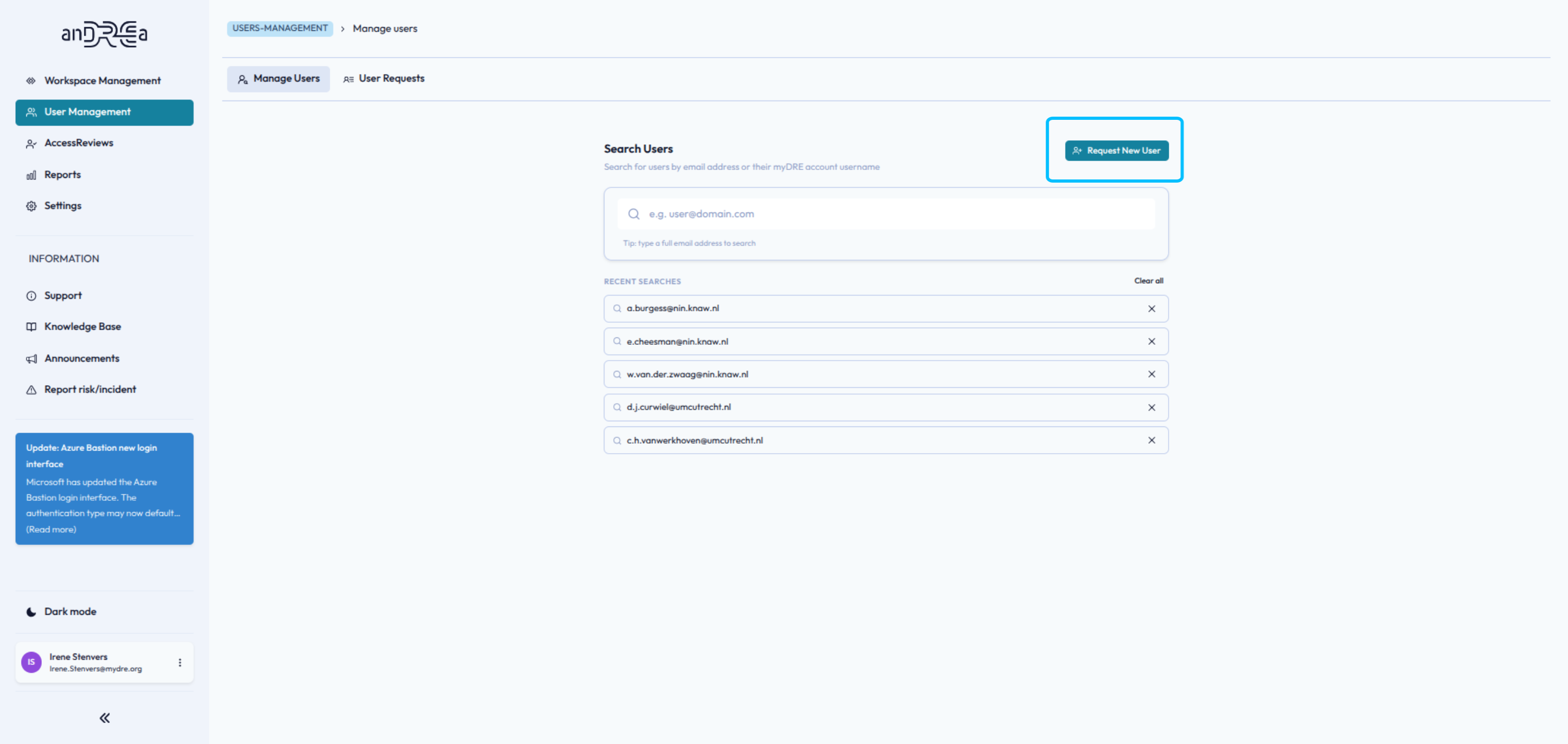
- Navigate to the "User Management" section in the admin portal.
- Locate and click on the "Request New User" button to begin the user creation process.
- Fill in the details. Leave blank Username to auto-generate an @mydre.org account.
- Click Submit.
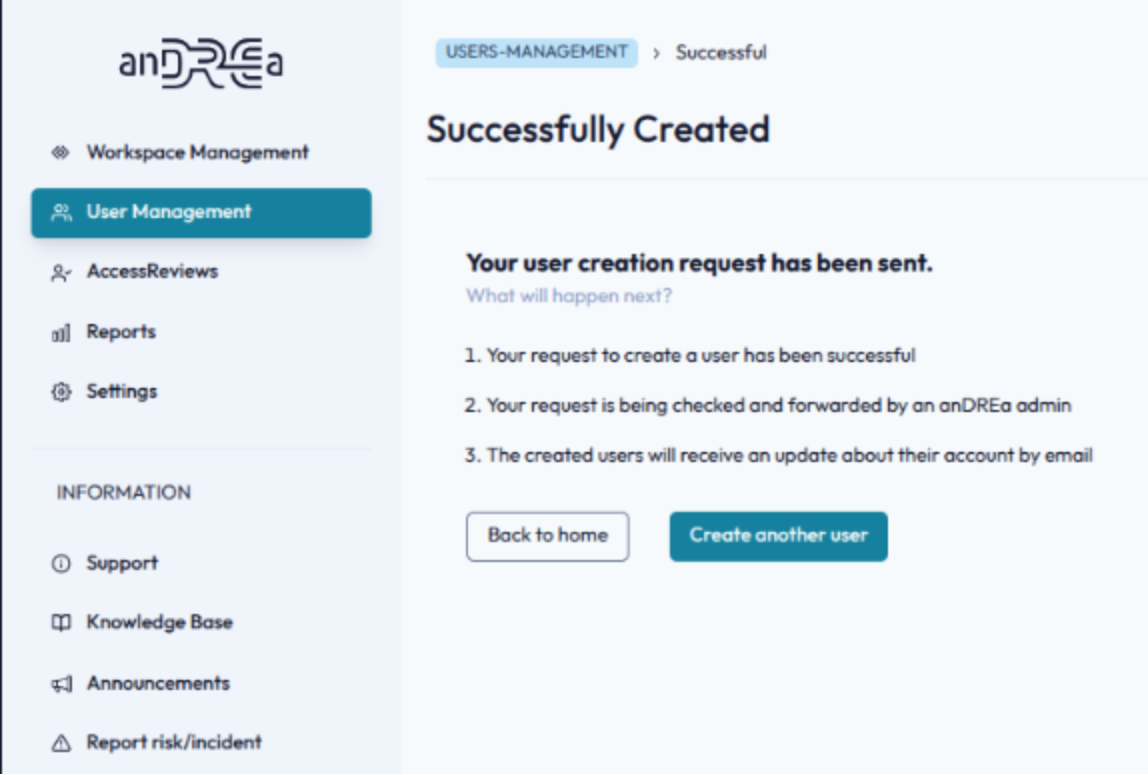
Once the new user has been successfully created, you can decide to create a new user or go to User Requests.